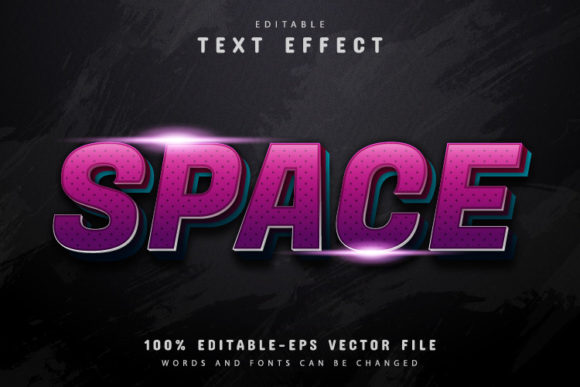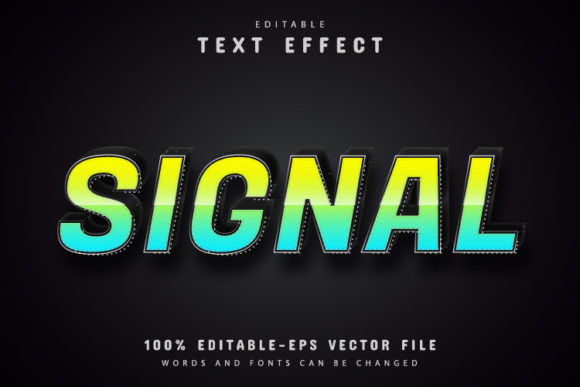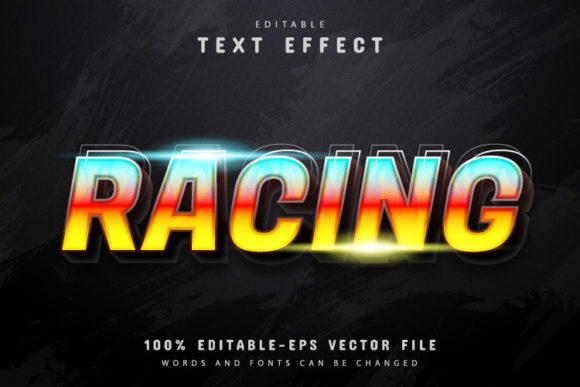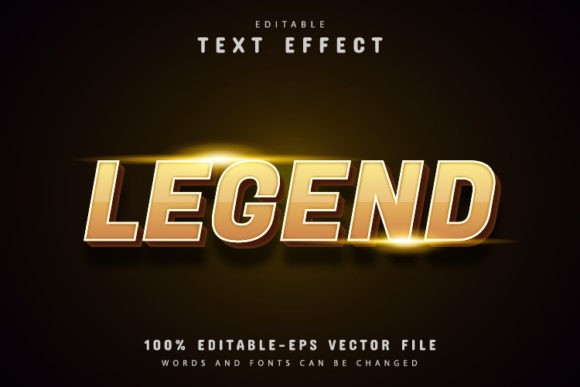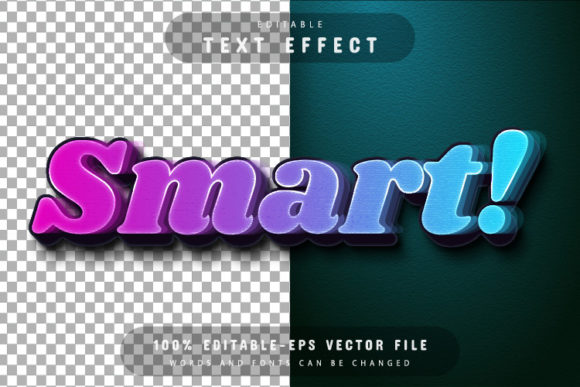
Smart 3D Gradient Text Effect
The Smart 3D Gradient Text Effect is a powerful design tool that brings depth and visual interest to any text. Whether you're working on a logo, social media post, or print project, this effect adds a modern, eye-catching dimension that stands out. The design is fully editable, making it versatile for a wide range of creative and professional uses.
What Makes It Special?
Unlike static text designs, the Smart 3D Gradient Text Effect combines color gradients with a three-dimensional look, creating a dynamic visual impact. This effect can be customized in countless ways, allowing you to match your brand identity or personal style. The design is built using vector graphics, which means you can scale it up or down without losing quality. This makes it ideal for both digital and print applications.
Why Choose This Design?
If you're looking for a design that’s both functional and visually appealing, the Smart 3D Gradient Text Effect is an excellent choice. It’s perfect for designers, marketers, and small business owners who want to create high-quality visuals without advanced technical skills. The ease of editing ensures that even beginners can experiment with different styles and effects.
One of the key advantages of this design is its flexibility. You can change the text, colors, and layout with just a few clicks in Adobe Illustrator. This means you can adapt the design to fit different projects, from website headers to promotional materials. The ability to adjust the text size without compromising quality is especially useful when working on multi-platform campaigns.
How It Works
The Smart 3D Gradient Text Effect is available in both EPS and JPG formats, giving you options for different use cases. The EPS file is a vector format, which is ideal for high-resolution printing and scalability. The JPG version is great for web use and quick sharing. Both formats are compatible with Adobe Illustrator CS or higher, so you can easily open and edit the file.
Editing the text is straightforward. Simply open the file in Adobe Illustrator, press the "T" key on your keyboard, and click on the text. From there, you can modify the text content, adjust the gradient, or apply new effects. The design is fully editable, meaning you can experiment with different looks and styles without limitations.
Key Features
- EPS and JPG Formats: Choose the format that best suits your project needs.
- 100% Editable Vector: Scale the design without losing clarity or detail.
- Text Fully Editable: Change the text content anytime, no matter the size or complexity.
- Unlimited Color Variations: Customize the gradient to match your brand or creative vision.
- Easy to Edit: No advanced design skills required—ideal for beginners and professionals alike.
- No Skill Requirement: Anyone can use this design with minimal effort.
Where to Use It
The Smart 3D Gradient Text Effect is incredibly versatile. It can be used in a variety of contexts, including:
- Business Branding: Create striking logos, business cards, and marketing materials.
- Web Design: Add visual appeal to website headers, banners, and call-to-action buttons.
- Social Media: Make your posts stand out with eye-catching text effects for platforms like Instagram, Facebook, and Twitter.
- Print Projects: Use it for posters, flyers, and other printed materials that require high-quality visuals.
- Personal Projects: Enhance your portfolio, blog, or DIY creations with a professional touch.
Getting Started
To begin using the Smart 3D Gradient Text Effect, download the files provided. The package includes JPG files for quick use and an EPS file for full editing capabilities. You’ll also find font information, so you can easily replace or customize the text if needed.
Once you have the files, open them in Adobe Illustrator. If you’re new to the software, don’t worry—the interface is intuitive, and the process of changing the text is simple. Just select the text, press "T," and start editing. You can experiment with different fonts, colors, and layouts to achieve the look you want.
Things to Consider
Before diving into editing, it’s important to understand the basics of Adobe Illustrator. While the design is user-friendly, some features may require a bit of exploration. For example, adjusting gradients or applying effects might take a few minutes to master, but the results are well worth the effort.
Also, consider the purpose of your project. If you’re designing for print, make sure the resolution and color settings meet industry standards. For digital use, focus on file size and compatibility. Always test your design in different environments to ensure it looks great everywhere.
Conclusion
The Smart 3D Gradient Text Effect is a valuable tool for anyone looking to enhance their visual content. With its editable design, high-quality output, and ease of use, it’s a go-to solution for creators and professionals alike. Whether you're working on a personal project or a commercial campaign, this design offers endless possibilities for creativity and expression.